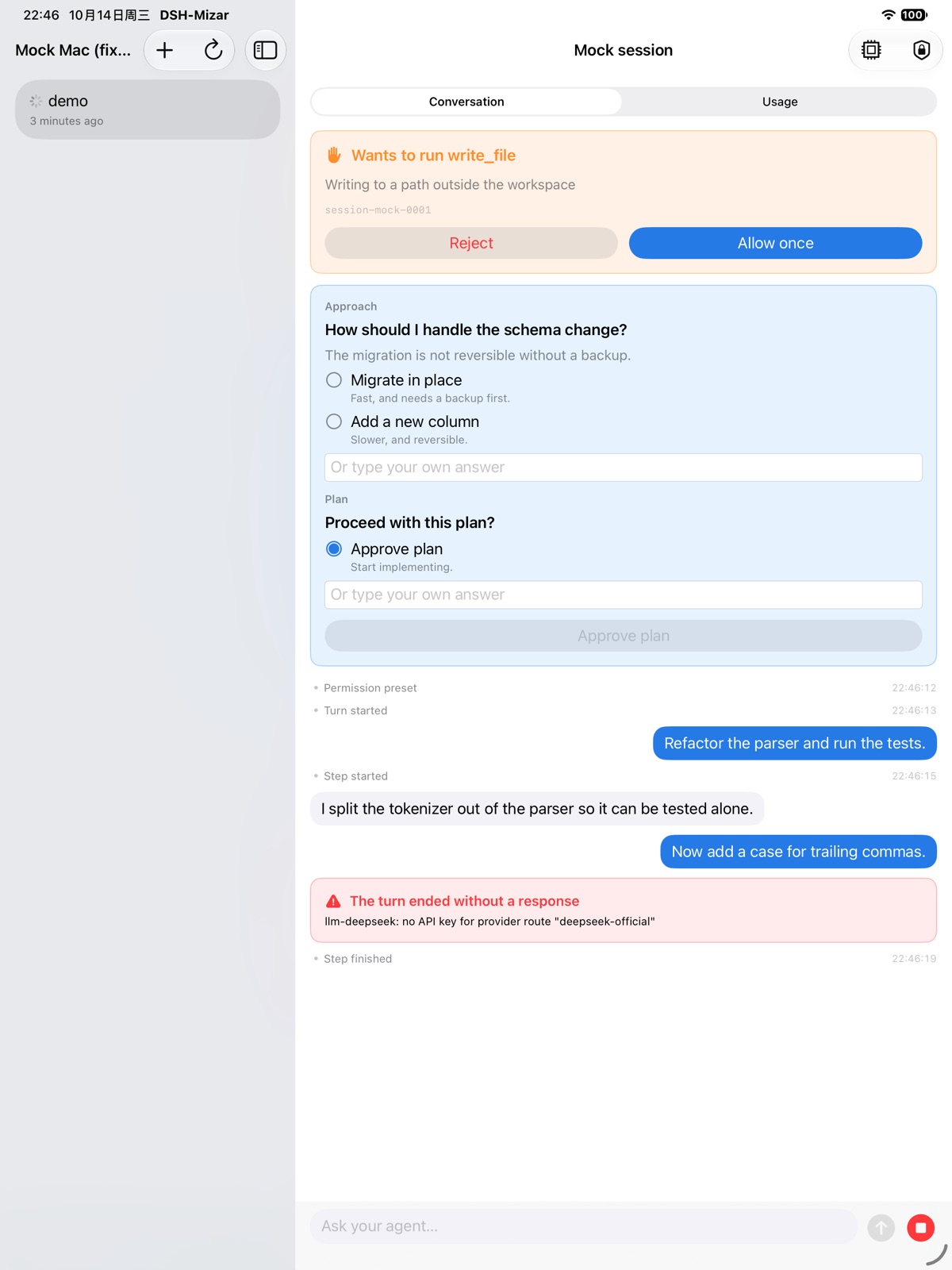
Wants to run write_file
Writing to a path outside the workspace
For iPhone, iPad and Android
Watch DSH work from your phone. Answer its approvals, send it a message, and see every turn finish — from any network.
01 · Pairing
Install the plugin, open its panel on your Mac, scan the code. No token to paste, no address to type, no file to edit.
wss://relay.example.net/r/7f3a
Pair a device
Scan this, or type the code
This QR is real: scan it to open this page on your phone.
Install dsh-mizar from DSH → Plugins, then restart DSH.
Click DSH-Mizar in the sidebar. A code appears.
Open the app and scan.
There are no other steps.
The camera is asked for the moment you tap Scan — never at launch.
02 · Bandwidth
Step-by-step narration, tool calls and streaming stay on your Mac. Your phone gets your prompt and the final answer — nothing else.
Measured on 47 real sessions.
Your phone
03 · Approvals
When the agent needs you, it asks. Allow a command, pick an option, or type your own answer — on the train, in a meeting, from the couch.
write_fileWriting to a path outside the workspace
Approach
The migration isn’t reversible without a backup.
04 · Live Activities
While a session runs, the Lock Screen and Dynamic Island show it — with a clock iOS draws itself. When it ends, the card puts itself away.
One honest caveat: iOS only lets an app start an activity while it’s open, so a brand-new session reaches the Lock Screen after you open the app once.
Saturday, October 17
9:41
parser-refactor
dsh-relay
05 · Offline
Sessions, titles, models and context usage are cached on the device. Lose signal and you can still scroll back through all of it.
And a failed read never wipes the screen. What’s already drawn stays drawn.
06 · Usage
Input, cache reads and writes, output, billed input and cache hit rate — and what is filling the context window.
See the ring in the island at the top of this page? That’s this page’s context: how much of it you’ve read. It turns orange past 75%, just like the app.
Tokens
Context
07 · Devices
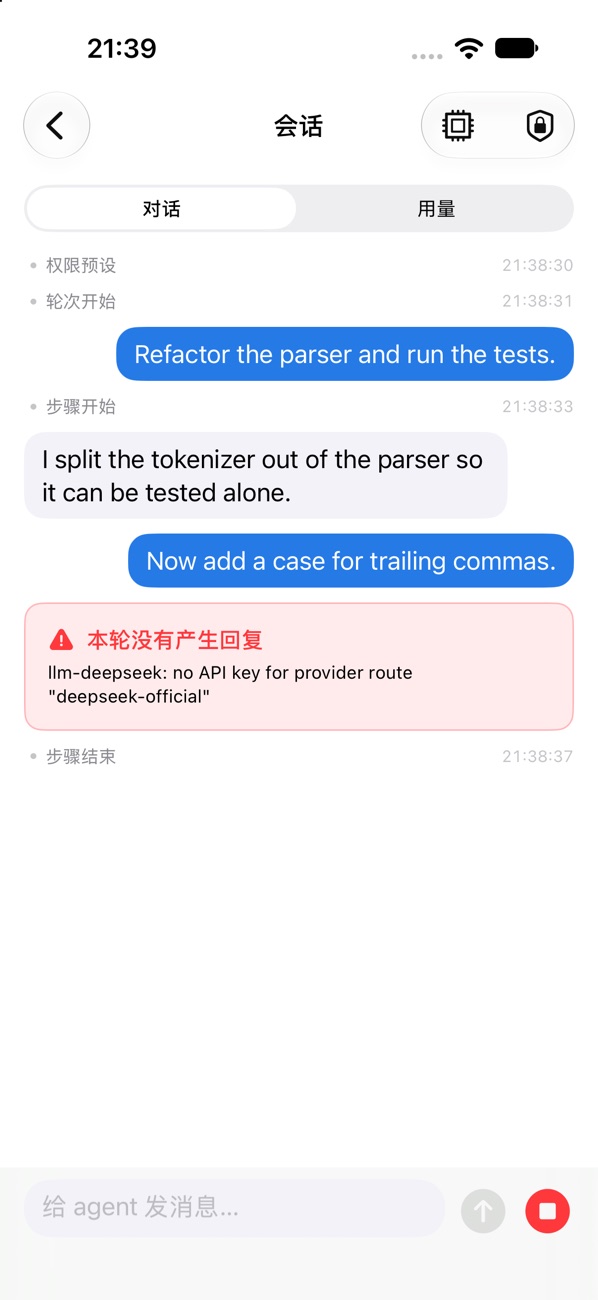
A split view on iPad. Material 3 on Android, on exactly the same protocol. In English and 简体中文.
08 · How it fits
The app on your phone, a plugin on your Mac, and an optional relay for when your Mac can’t take incoming connections.
Runs inside DSH on your Mac. Install it from the Plugins sidebar, or with one command:
Reach your Mac from any network — even behind campus, corporate or carrier NAT. Upload, unpack, sudo ./install.sh.
iPhone, iPad and Android. Pairs with one scan.
The relay only moves bytes. Your phone is still verified by the plugin on your Mac — exactly as on home Wi-Fi.

It will ask for notifications and local network, one at a time — and for the camera only when you scan.
Android · Mac plugin · Relay